Security command center
Centralized security operations with smart scoring and threat visibility. AIM's security command center provides comprehensive monitoring of AI agent infrastructure.
No proxies, direct observation
AIM doesn't intercept agent traffic. Agents communicate directly with target systems while explicitly reporting actions via SDK decorators. This means zero latency added to agent↔target communication, no single point of failure, and full compatibility with any MCP server or API.
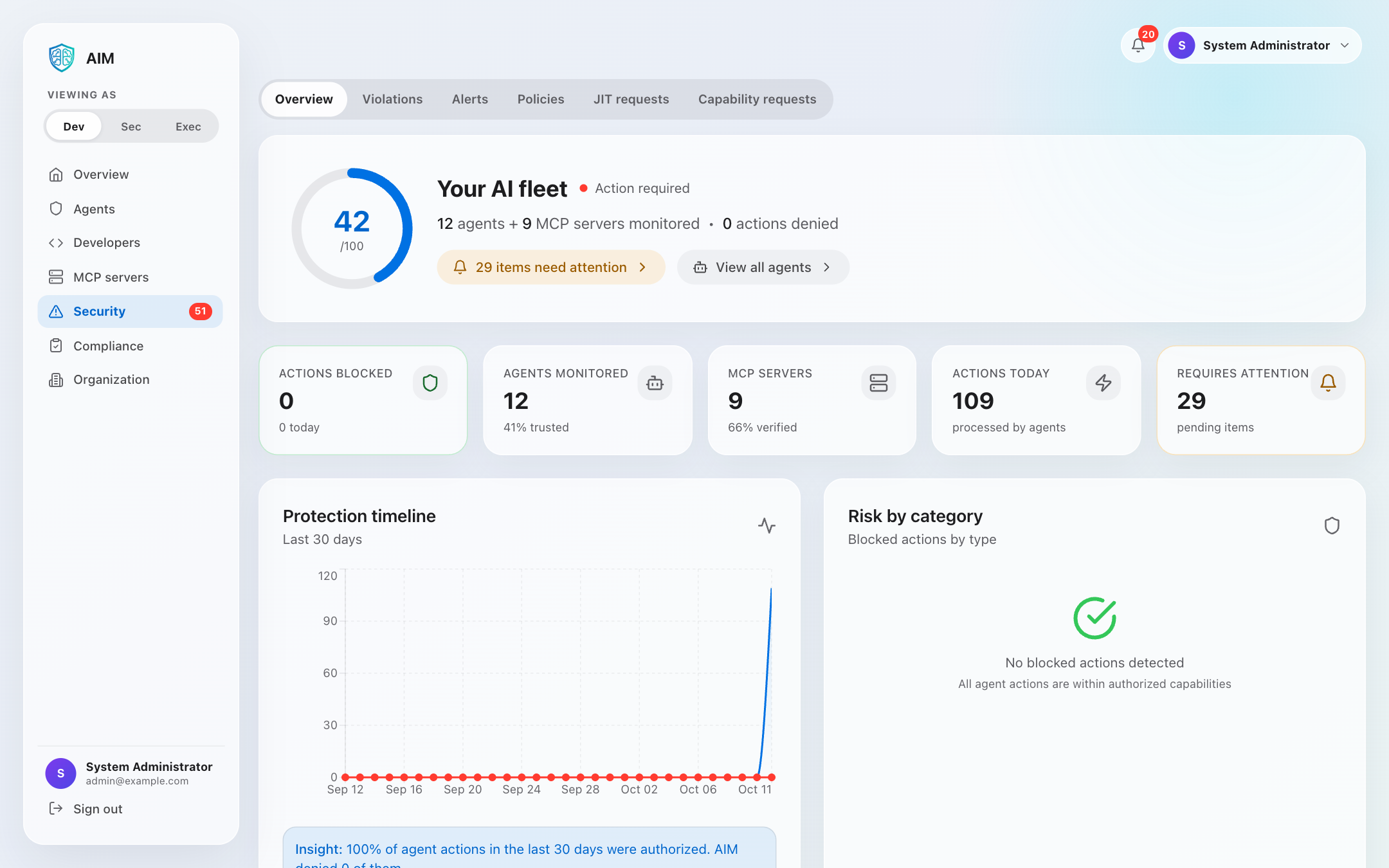
Security command center features
The security command center provides centralized security operations with smart scoring and threat visibility:
Smart security score
4-component algorithm measuring trust health, fleet coverage, threat response, and operational health.
Actions today
Count of all agent verifications and actions performed across the fleet today.
Blocked actions
Capability violations blocked by policy enforcement, protecting against unauthorized access.
MCP server monitoring
Track verified MCP servers and their trust status across the organization.
Risk by category
Violations are automatically categorized by type for easy analysis and response:
Unauthorized admin operations
Restricted file access attempts
Unauthorized database queries
Blocked external API requests
Restricted network operations
Miscellaneous violations
Protection timeline
7-day trend of security events and blocked actions across the organization:
What the security command center monitors
Failed login attempts, suspicious authentication patterns, credential theft attempts
Unusual resource access, capability misuse, drift from verified state
Sudden trust score drops, policy violations, compliance issues
Unauthorized actions, permission escalation attempts, security policy breaches
Rate limit violations, unusual API patterns, potential API key compromise
Security monitoring
The security command center provides visibility into security posture:
- • Live threat detection and alerts
- • Event-driven anomaly detection
- • Security metric updates
- • Automated incident creation
- • Configurable alert thresholds
- • Audit log forwarding to Splunk (self-hosted only)
- • Custom security dashboards
Alert & notification integration
Alert channels send an organization's alerts to Slack, PagerDuty, a Microsoft Teams workflow or email addresses, and webhooks send a JSON POST for two alert events:
Alerts at or above the channel's severity floor, as a plain-text message to each recipient through the server's email service.
A JSON POST for two alert events. Alert management lists which alerts send one.
Alerts at or above the channel's severity floor, in that service's format. Alert management describes each message.